Analytics Export: Your Hiring Activity Snapshot
 Updated
by
Amy Thomas
Updated
by
Amy Thomas
From your Analytics page, export performance data for each of your jobs in a single report, so you can spot roles that need attention and build executive summaries faster.
This report enables you to review:
✅ Candidate volumes
✅ Completion rates
✅ Candidate drop-off
✅ Candidate satisfaction
✅ Percentage of candidates in range
We recommend using this report to speed up your quarterly reviews, leadership updates and hiring program improvements.
Access the Analytics Export
If you have access to Manage > Run Reports for your Criteria account, you can access your Analytics page and generate the Analytics Export report.
- Click Analytics in the top menu.

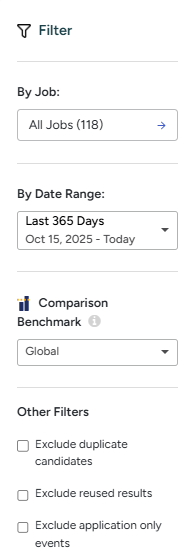
- Set the Filters on the left to set the parameters for the report. Learn about setting filters.
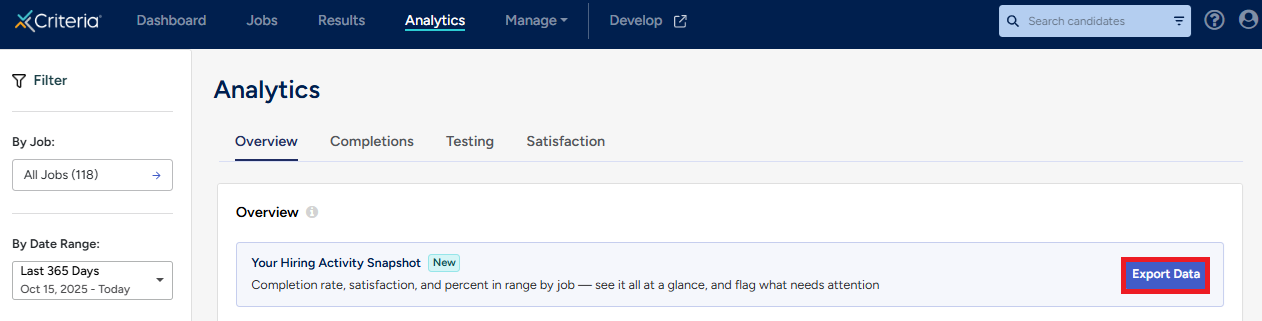
- In the Overview section, click Export Data.
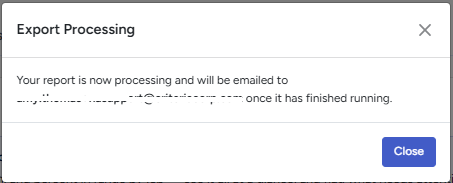
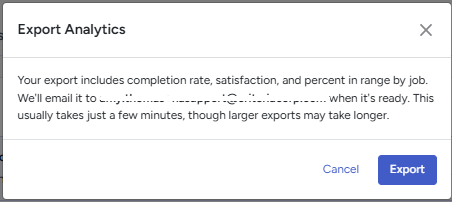
- Click Export in the Export Analytics popup message. Click Close in the Export Processing message.
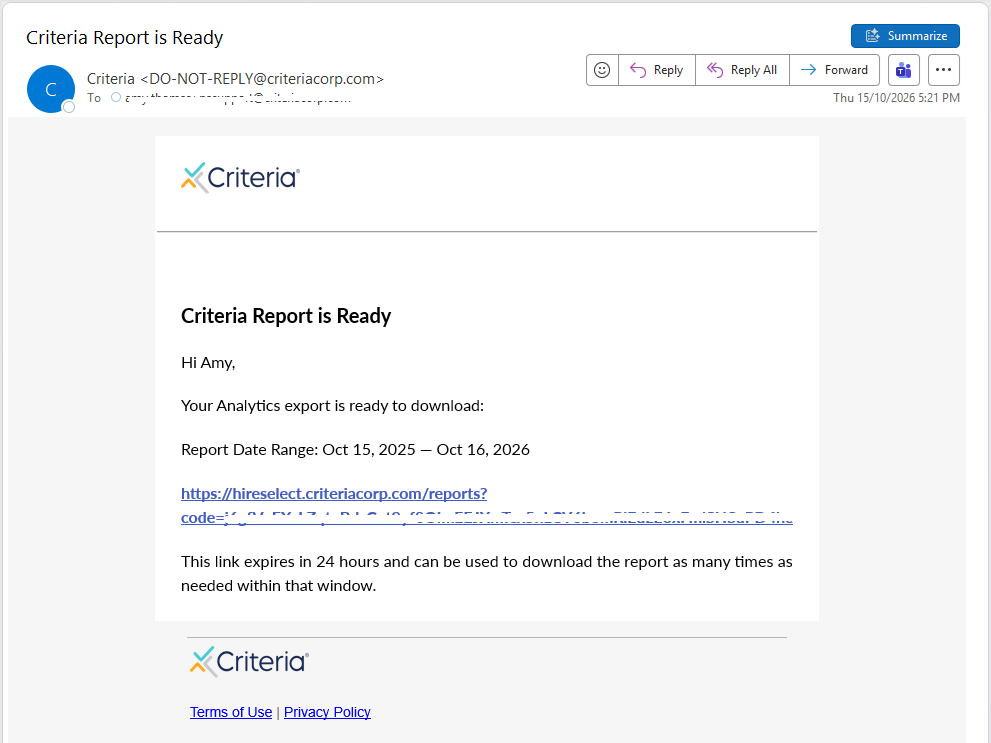
- An email with the subject Criteria Report is Ready will be sent to your registered email address. Click on the link in the email to access the report. The link will expire in 24 hours but you can click on the link as many times as you need during that time.
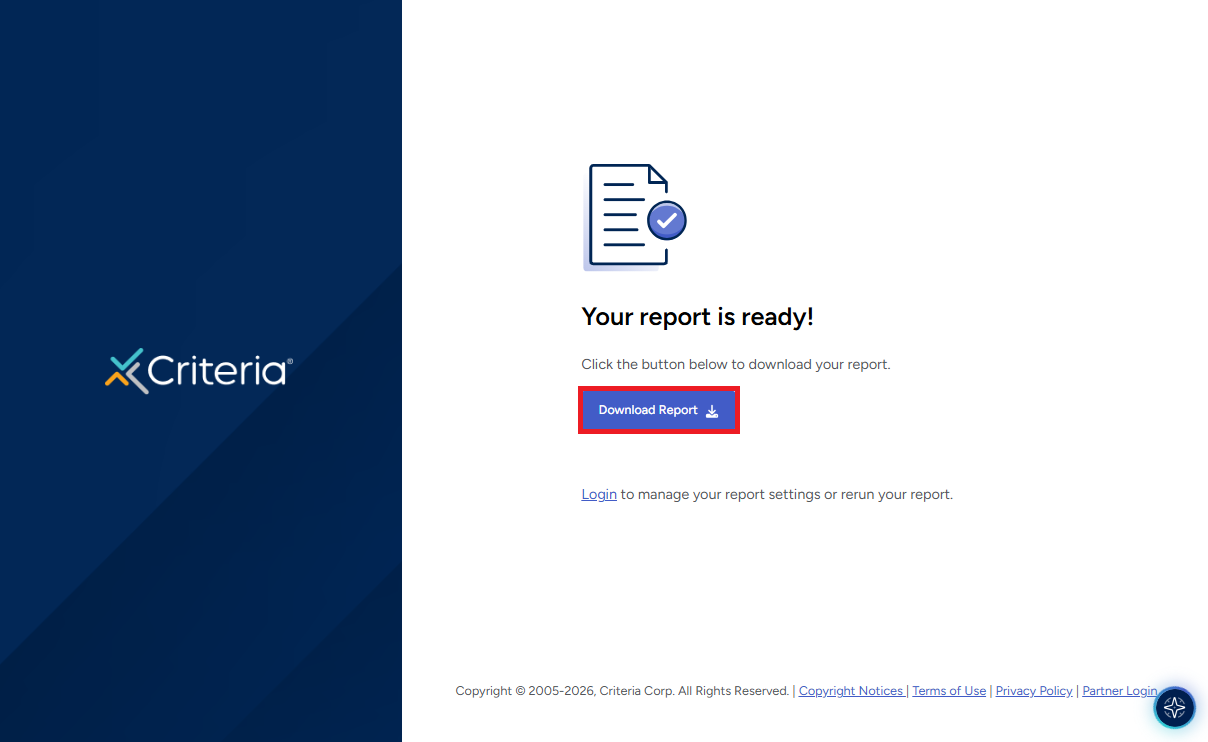
- A new browser window will open. Click Download Report to download the file to your device.
Analytics Export data points
The data points included in the Analytics Export report are listed below. These are not customizable.
Job Title | The name of the job |
Job Code / ID | The JB-XXXXX code associated with the job |
Internal Reference Name | An optional identifier for the job |
Created By | The user who created the Event or whose open link was used |
Created Date | The date the job was created |
Latest Completed Result | The most recent date a candidate completed an Event in the job |
Active / Inactive Status | Whether the job is active or inactive (candidates are unable to access testing in inactive jobs) |
Assessments | The test battery name and included assessments |
Interview Template Name | The video interview or live interview template name |
Invitation Method | Invited in platform or via an open link |
Invited Count | Number of candidates in the job |
Started Count | Number of candidates who have started an Event (clicked on a link and progressed past the landing page) |
Completed Count | Number of candidates who have completed an Event |
Invited → Completed Rate | Expressed as a percentage |
Started → Completed Rate | Expressed as a percentage |
Candidate Satisfaction | Average of ratings provided in the candidate satisfaction survey (system default exit pages only) |
Percent In Range | Number of candidates who met the score range/s for the assessments |
