Assessment Library
 Updated
by
Amy Thomas
Updated
by
Amy Thomas
Welcome to the Assessment Library, where you can navigate our selection of job-relevant, scientifically grounded assessments designed to identify top talent for your organization.
Each assessment is built to provide an engaging candidate experience and is supported by insights from over a billion data points. In the Assessment Library, you can preview the candidate experience for each assessment and review the corresponding score reports.
Access the Assessment Library
- On the Dashboard, click Assessment Library.

- Browse the Assessment Library by selecting a category on the left, such as Most Popular or Aptitude. Learn more about Video Interview, Live Interview, Interview Intelligence or Proctoring by clicking the relevant option under Additional Solutions.
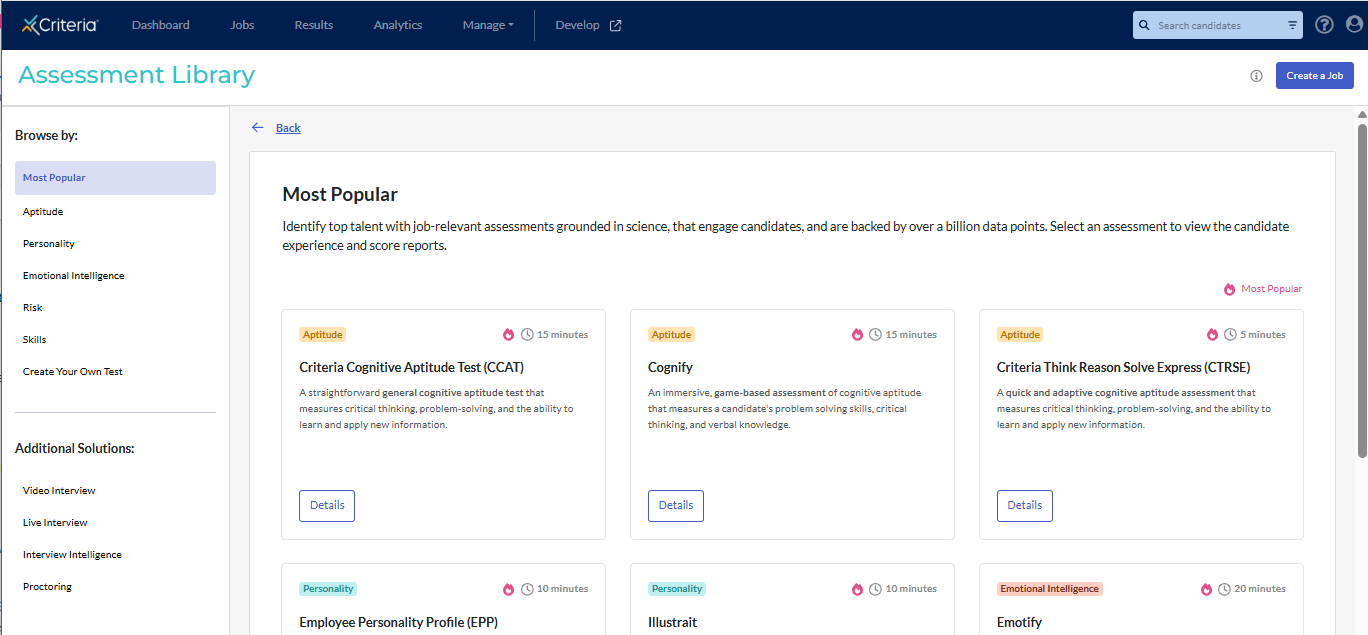
Assessment cards
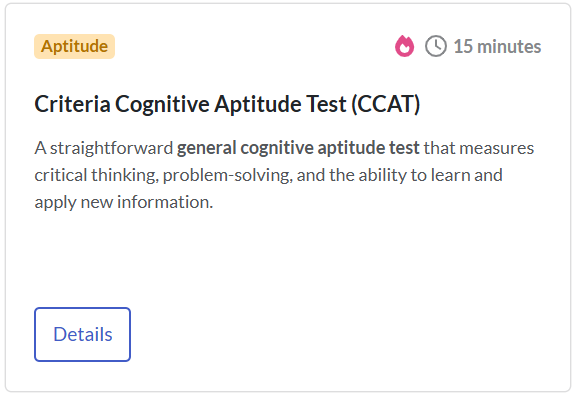
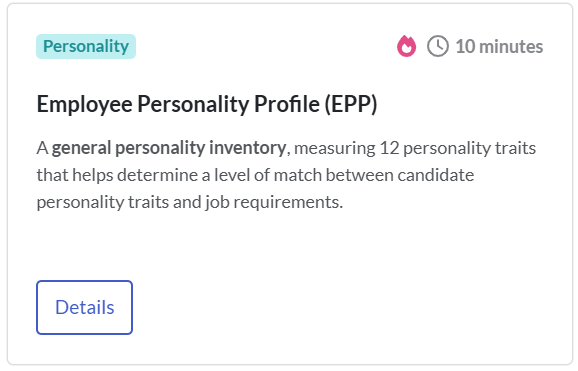
- Each assessment card shows:
- Assessment construct: what the assessment measures. For example: Aptitude or Personality.
- Time: the time allowed or the estimated time to complete the assessment. For example: candidates have 15 minutes to complete the CCAT. The EPP is untimed, but it typically takes about 10 minutes to finish.
- Assessment name: the full name and abbreviation of the assessment. For example: Criteria Cognitive Aptitude Test (CCAT).
- Description: a brief overview of the assessment.
 |  |
- Click an assessment card to learn more. A pop-up window will open with:
- A detailed description of the assessment.
- Recommendations on when to use it.
- The languages the assessment is available in.
- The specific abilities the assessment measures.
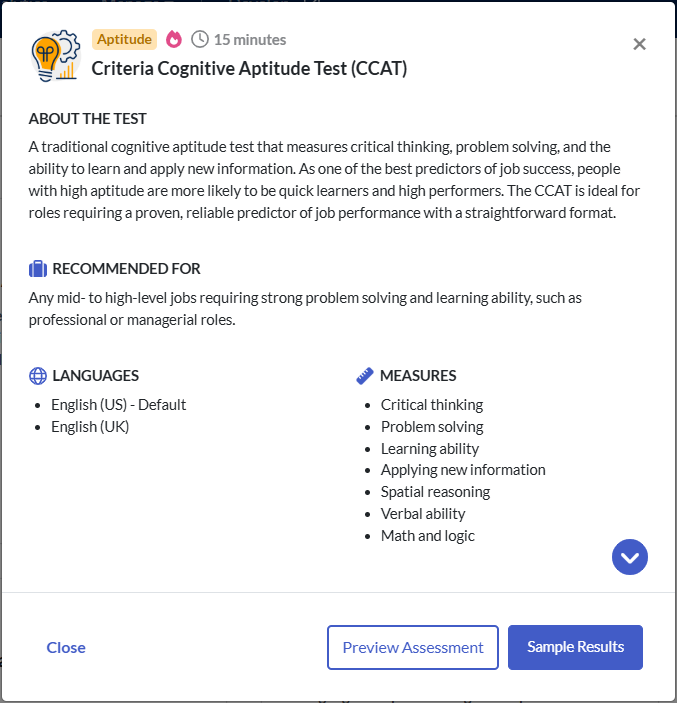
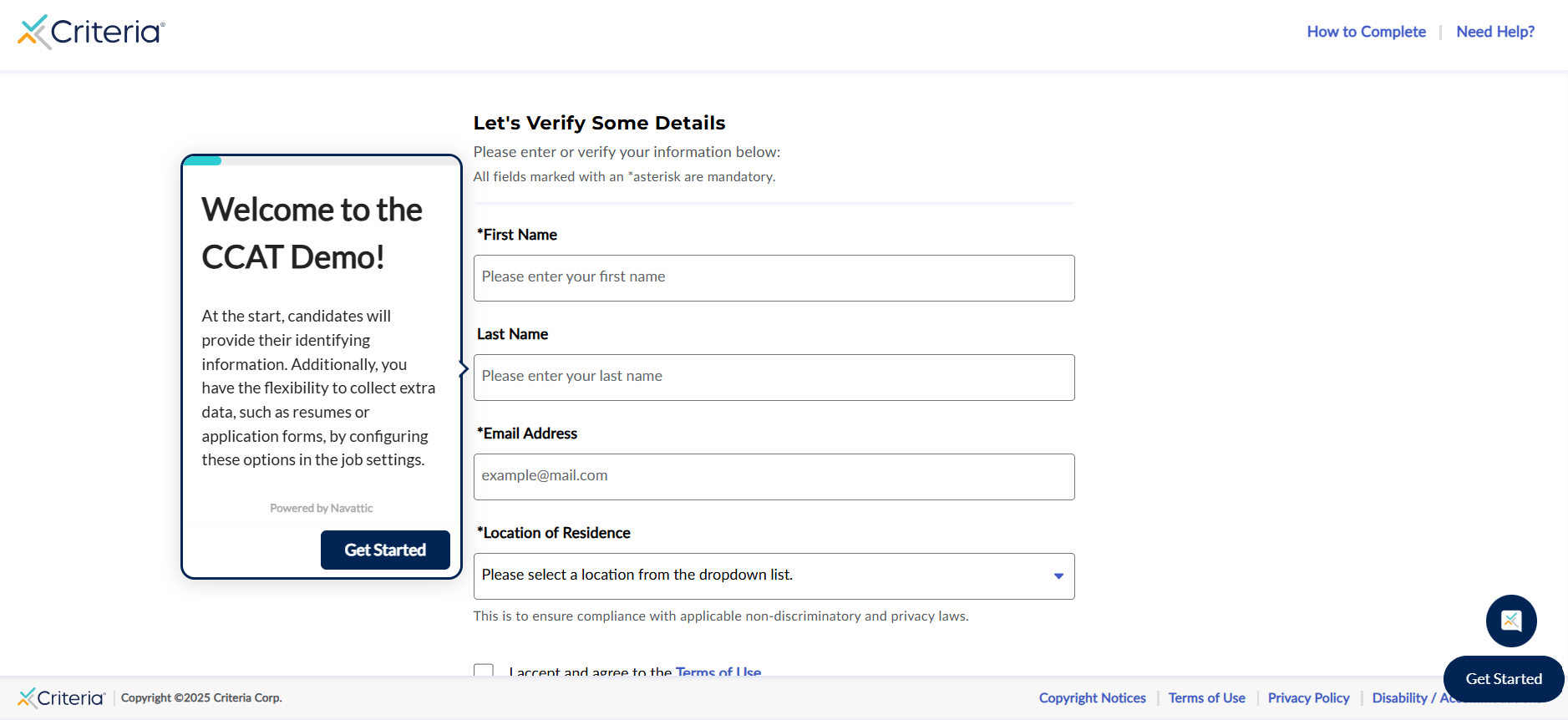
- Click Preview Assessment to open the assessment demo in a new window. This steps through the candidate experience for the assessment.
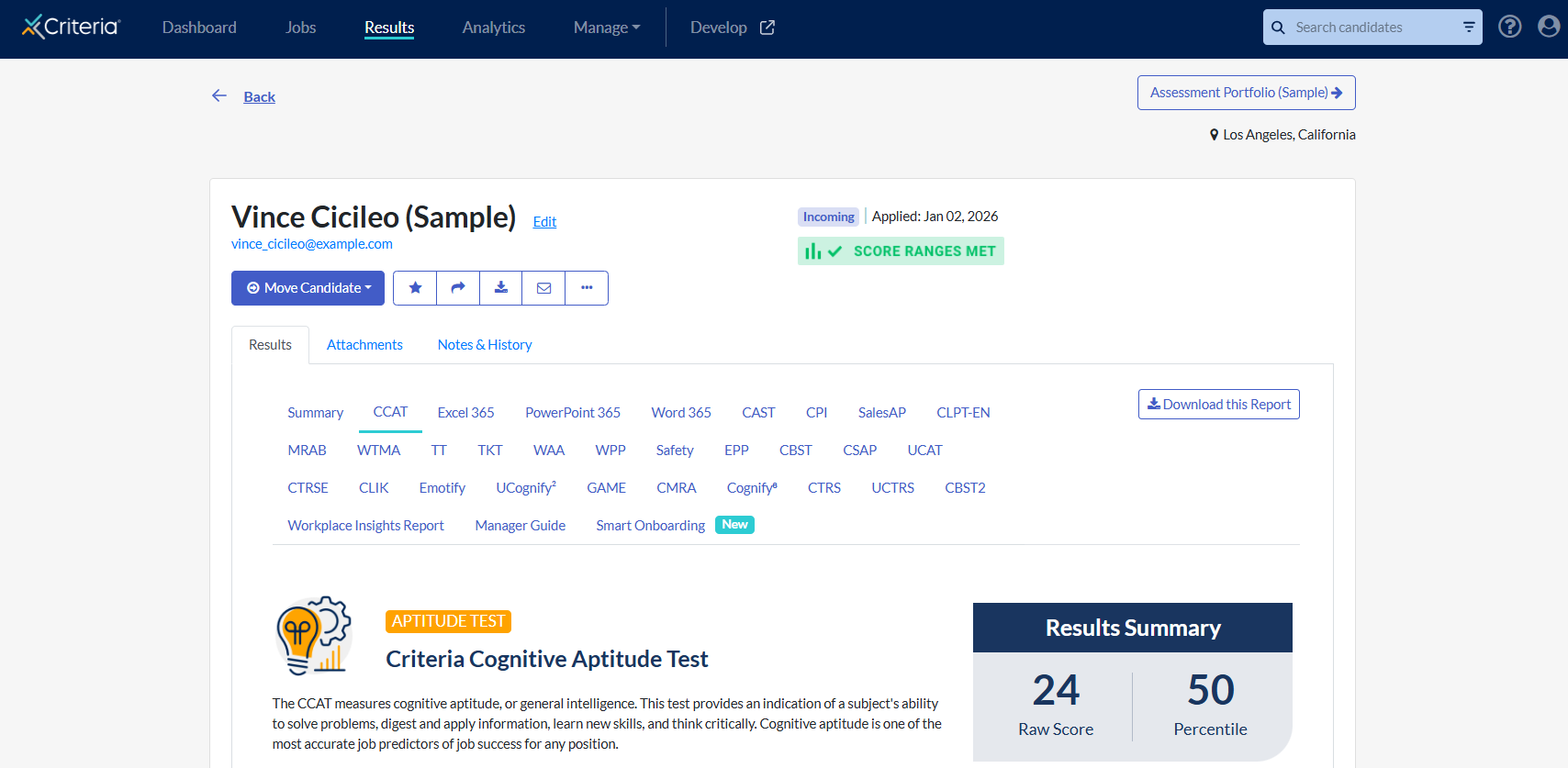
- Click Sample Results to view a sample candidate. The score report for the assessment will open automatically. Click Back to return to the Assessment Library.
Interested in exploring the assessments further? View our detailed guides here.
Additional Solutions
- To learn more about our interviewing and proctoring options, click Video Interview, Live Interview, Interview Intelligence or Proctoring on the left. An overview and process flow are provided.
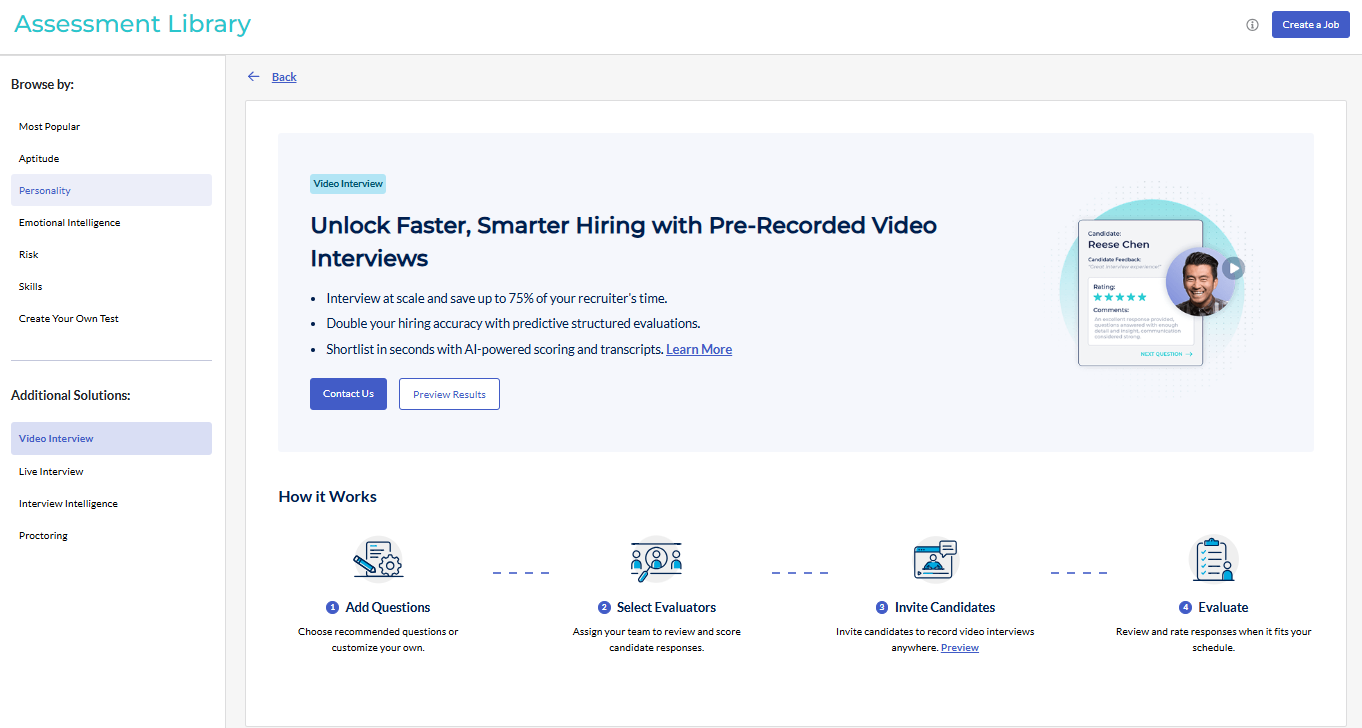
- If you would like to add structured interviewing or proctoring to your Criteria subscription, click Contact Us. Our team will reach out to you directly to discuss this.
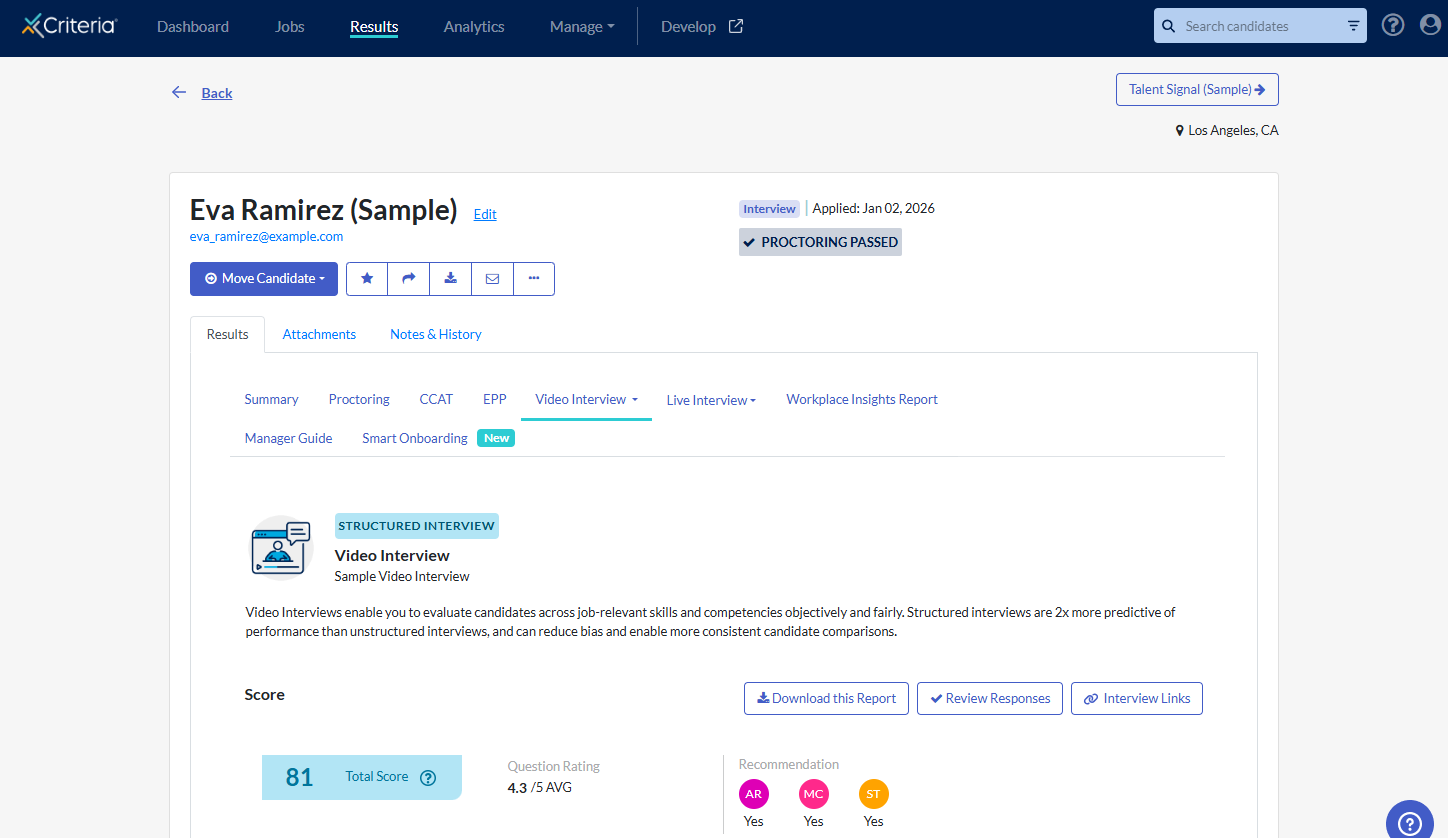
- Click Preview Results to view a sample candidate. The interview score report or proctoring report will open automatically. Click Back to return to the Assessment Library.
Want to find out more about using these solutions in your recruitment process? See video interview, live interview or proctoring.
